
Simple setup
Install Fabric, put the Selenite jar in your mods folder, and launch Minecraft normally.
A Fabric utility client for Minecraft 1.21.11 with a clean ClickGUI and 47 configurable modules.
 Selenite ClickGUI
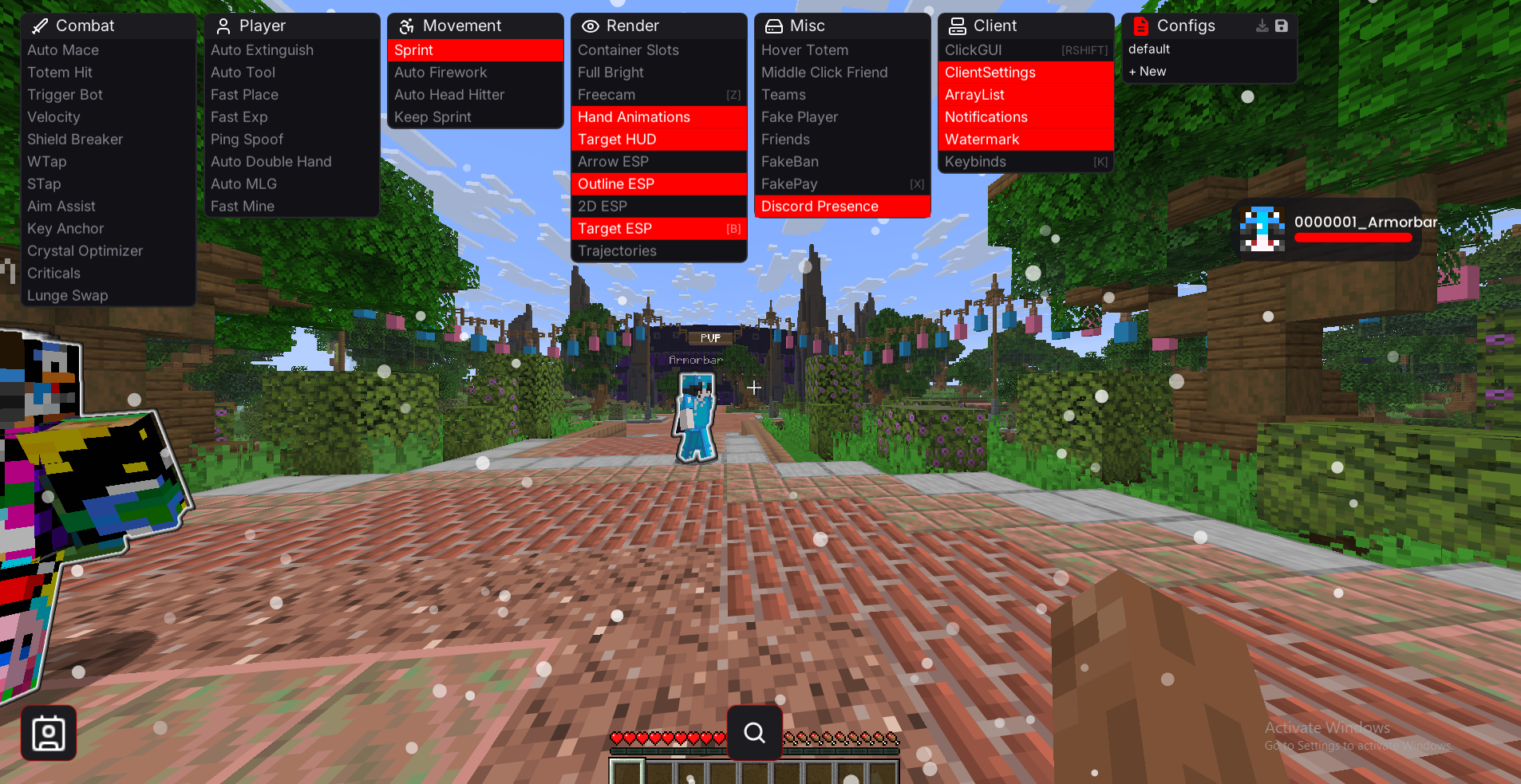
A straightforward client with configurable modules, a custom ClickGUI, and a simple one-time license.
Install Fabric, put the Selenite jar in your mods folder, and launch Minecraft normally.
Change keybinds, module settings, colors, and layout without digging through separate config files.
A modular in-game menu for finding modules quickly and changing their settings.
Combat tools have their own settings and keybinds so you can configure them around how you play.
New builds and fixes are shared through the Discord when they are ready.
Selenite is $15 once. The license does not renew monthly.
47 modules across combat, player, movement, render, misc, and client. Use the filters or search to find one.
Automates mace use when the configured conditions are met.
Prioritizes players after they pop a totem.
Attacks when your crosshair is over a valid target.
Adjust horizontal and vertical knockback.
Uses an axe against players who are blocking.
Resets sprint timing during combat.
Uses backward movement for sprint resets and spacing.
Configurable aim assistance around valid targets.
Keeps movement anchored to a selected direction key.
Adjusts crystal placement and breaking behavior.
Swaps to a sword during configured movement conditions.
Uses available items to put out fire automatically.
Selects a suitable tool for the block you are mining.
Reduces the delay between block placements.
Reduces delay when using experience bottles.
Changes the latency value reported by the client.
Automates configured off-hand and shield swaps.
Attempts a water-bucket save during a fall.
Adjusts block-breaking timing.
Keeps sprint enabled while moving.
Uses a firework automatically while flying with an elytra.
Automates repeated jumps in low-ceiling spaces.
Tries to preserve sprint through combat and movement changes.
Highlights container and inventory slots.
Raises scene brightness for dark areas.
Lets the camera move separately from the player.
Changes first-person hand and item animations.
Shows health and armor information for the current target.
Highlights arrows so they are easier to track.
Draws outlines around selected entities.
Draws simple 2D boxes around selected entities.
Highlights the entity currently being targeted.
Shows a predicted path for supported projectiles.
Equips a totem when configured health conditions are met.
Adds or removes players from the friend list with middle click.
Uses team information when deciding which players to target.
Spawns a local practice player for testing.
Keeps saved friends out of supported targeting modules.
Shows a local fake ban screen.
Creates local payment-style chat messages for supported formats.
Displays customizable Selenite information in Discord Rich Presence.
The in-game menu used to browse and configure modules.
Controls theme, fonts, colors, and general client settings.
Shows an on-screen list of currently enabled modules.
Shows small on-screen notices for module and client events.
Displays client and version information on screen.
Assigns modules to the keys you want to use.
Three screenshots from the client.
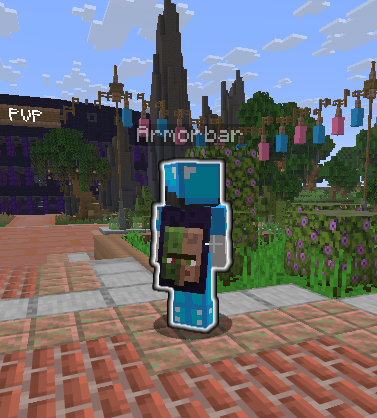
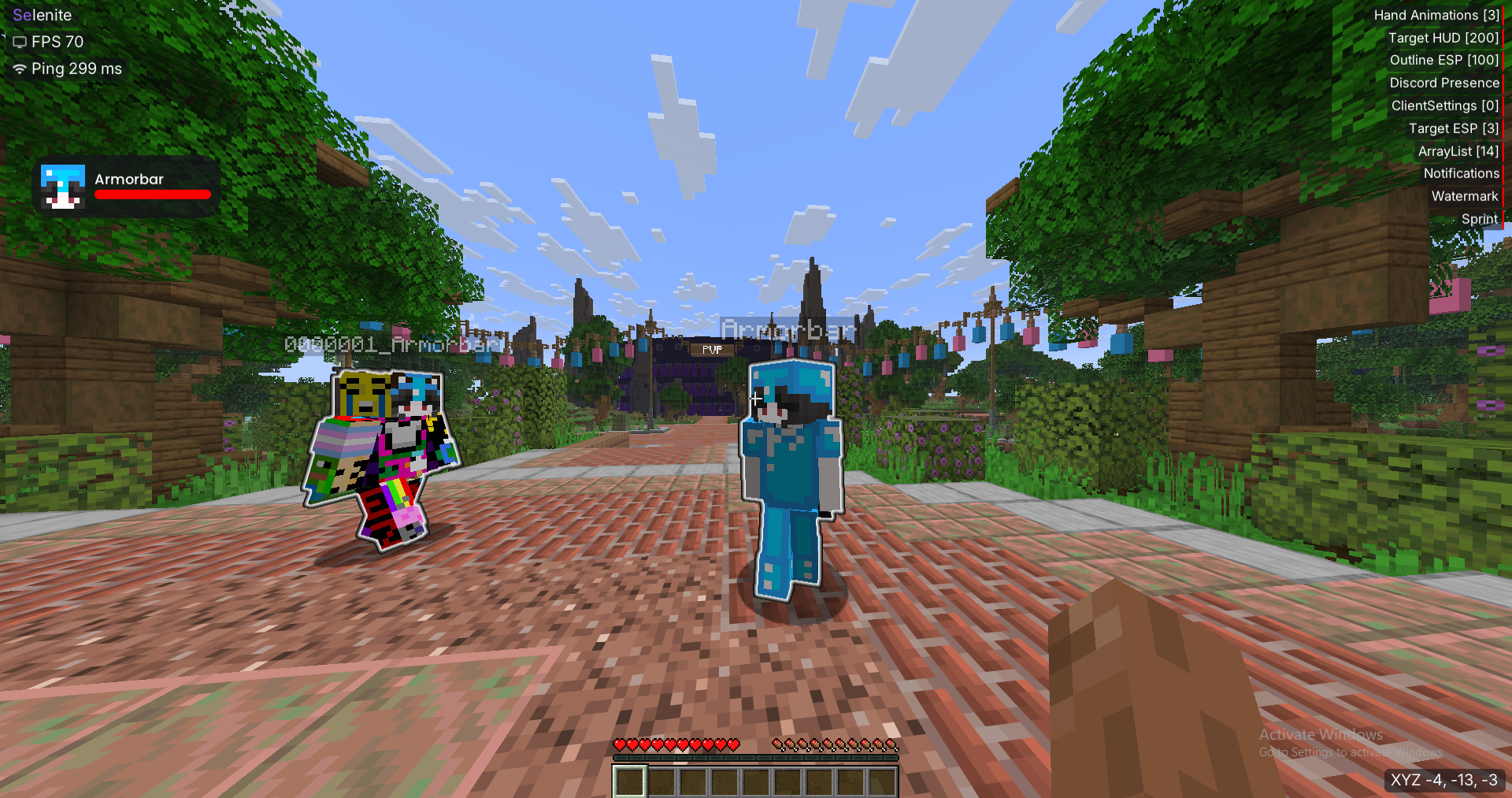
Selenite is kept focused: useful modules, clear settings, and a GUI that stays out of the way.
The combat section is the biggest part of the client, with settings kept close to each module.
Modules are configured in the ClickGUI instead of being spread across several menus.
Move panels, change the theme, and set up the interface the way you prefer.
Selenite is run by Mittkee and 1b49, keeping decisions close to the project.
One-time purchase
One payment for a lifetime license. Keys are handled through Discord.
$15 once · Windows · PayPal or DonutSMP Cash
If something is not covered here, ask in the Discord.
Selenite is $15 one-time for a lifetime license. There is no monthly subscription.
Use the Buy button to join the Discord, open a ticket, choose PayPal or DonutSMP Cash, and the license is handled there.
Install Fabric for your Minecraft version, put the Selenite jar in your
mods
folder, then launch the game. The ClickGUI opens with
RShift
by default.
The current build shown on this site is for Fabric 1.21.11.
Only use builds you receive from the official Selenite Discord. As with any third-party Minecraft client, check the rules of the server you play on.
It depends on the server and the module. Check the server rules before using utility or combat features.
Send the details in the Discord, including what you were doing and which Minecraft/Selenite version you were using.
Support, purchase questions, bug reports, and client updates all happen in the Discord.
Selenite is a small project. These are the two people currently working on it.

nothing is uncrackable

Owner of the Selenite client.
Choose a payment method. Your key is sent through Discord after the payment is confirmed.
Questions about payment? Ask in Discord